
How do I organise remote teaching and learning? Copy
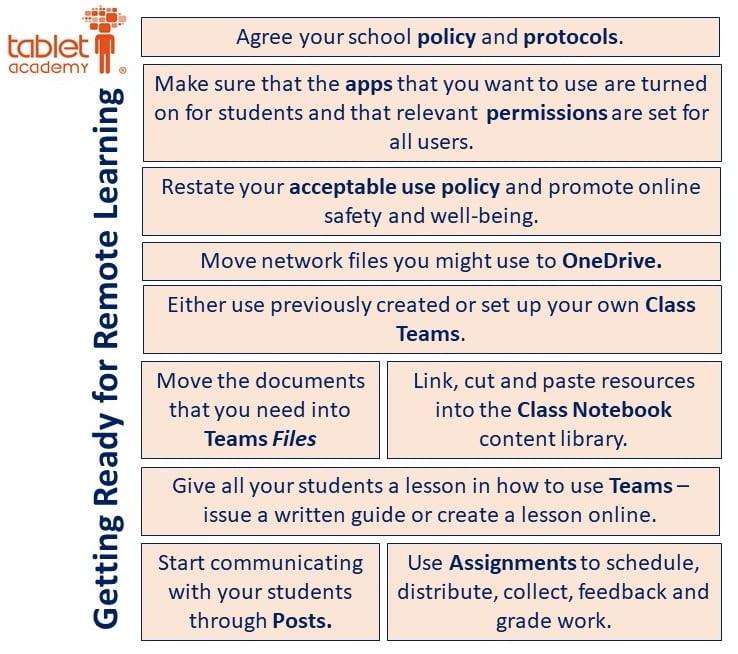
Be systematic in setting things up….
Make use of O365 Apps
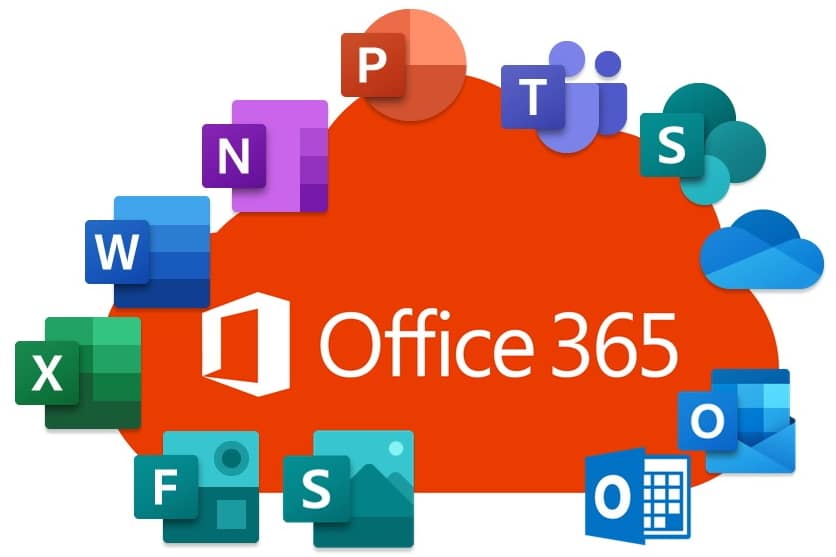
All of the apps illustrated here are integrated into Microsoft Teams. It is a fantastic tool for remote teaching and learning. You can make use of your existing PowerPoint slides as teaching resources, get students to work collaboratively on Word documents, share mini e-books using Sway or create self-marking quizzes using Forms. All these tools embed in Teams assignments and can be linked through Class Notebook.
Your students can access all of the apps on any device, anywhere and at anytime. As a minimum they user a browser to access O365 or they can download the apps to their mobile phone or tablet. It works on Chromebooks and iPads as well as Windows devices.
Make Use of Microsoft Learning Tools
Learning Tools use a set of free features that enable every student to improve writing, reading comprehension, and reading speed. Learning Tools are available in the apps that you already use in O365 and Microsoft Office. Find out more about learning tools here. In particular, Immersive Reader will help your students access and process text .